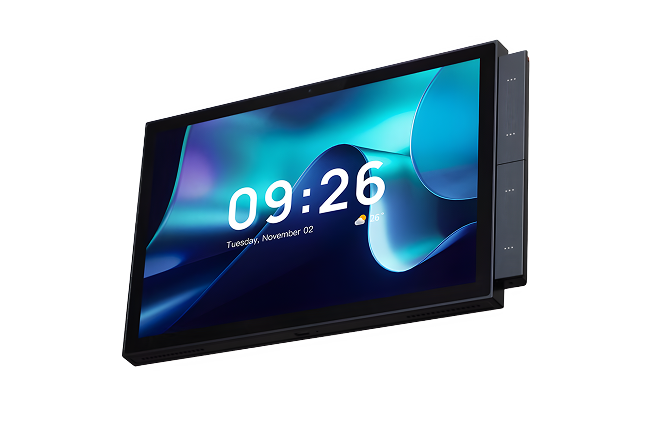
NTP100
Touch Control Panel
Wall-mounted HD capacitive touch panel with quad-core edge processing — controls lighting, climate, curtains, security, and scenes from a single interface.
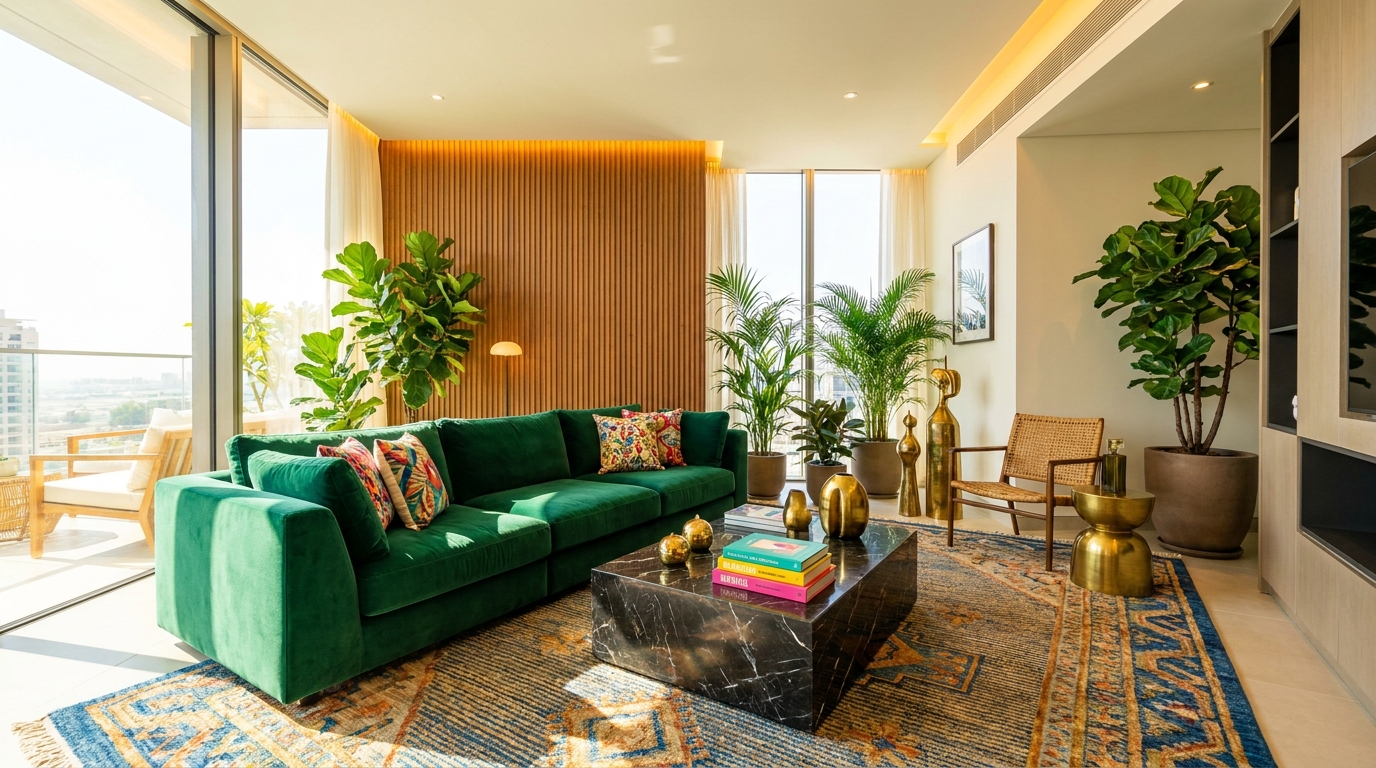
The NTP touch panels and NGW gateways provide centralized control and multi-protocol connectivity for residential and commercial smart home projects — bringing lighting, climate, security, and more into one unified interface.
Wall-mounted HD capacitive touch panel with quad-core edge processing — controls lighting, climate, curtains, security, and scenes from a single interface.
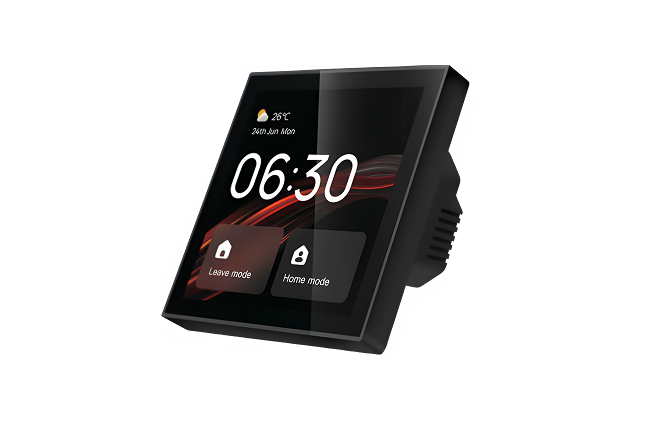
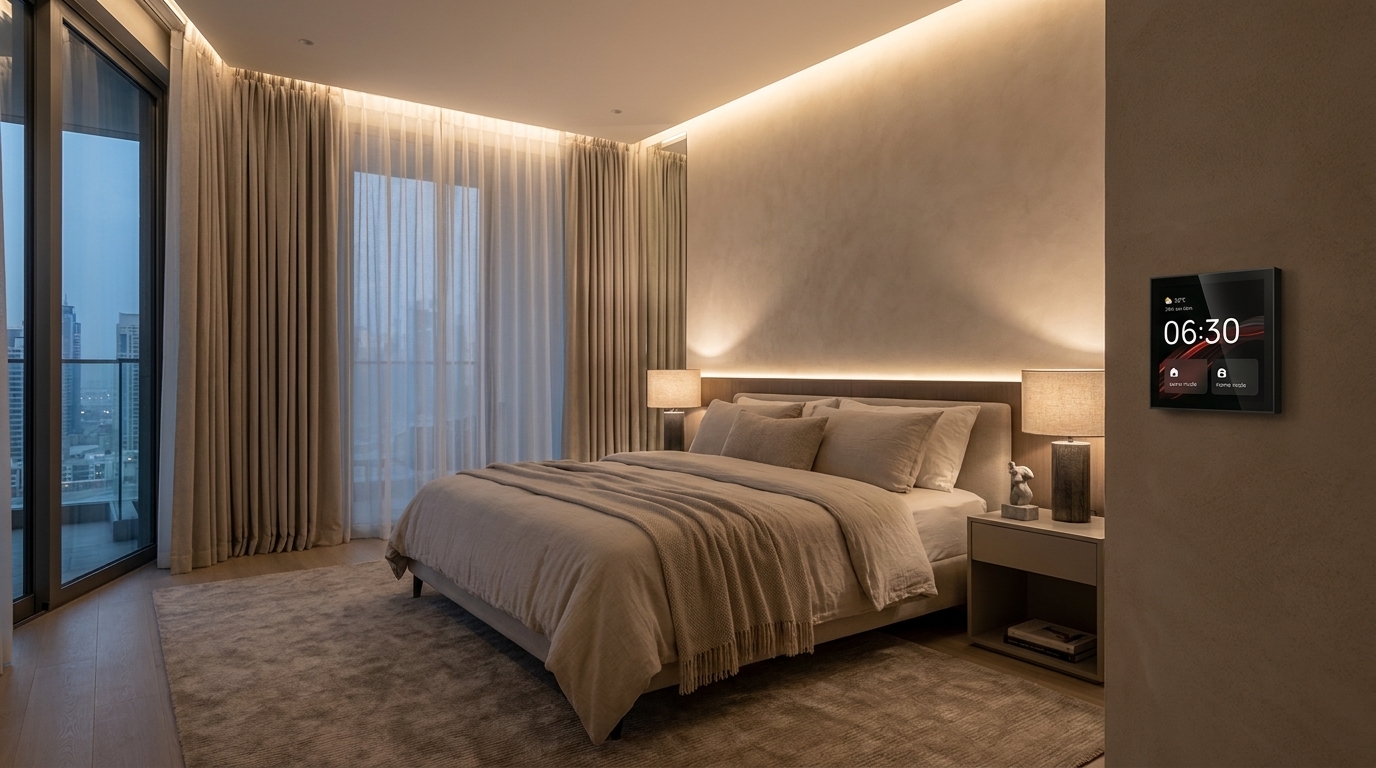
In-wall smart panel with glass touchscreen — scene activation, climate control, and room status at a glance, designed for bedrooms and corridors.
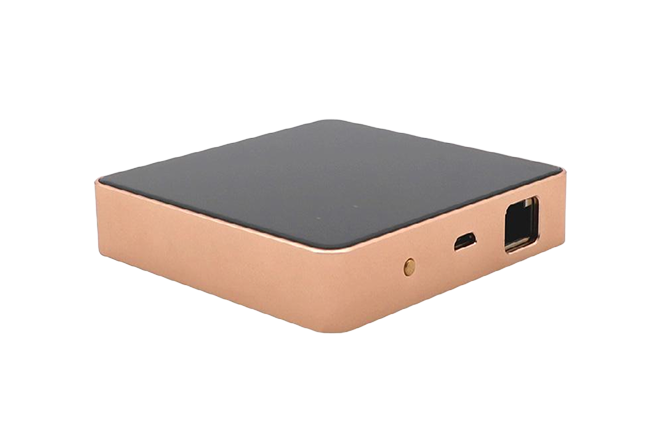
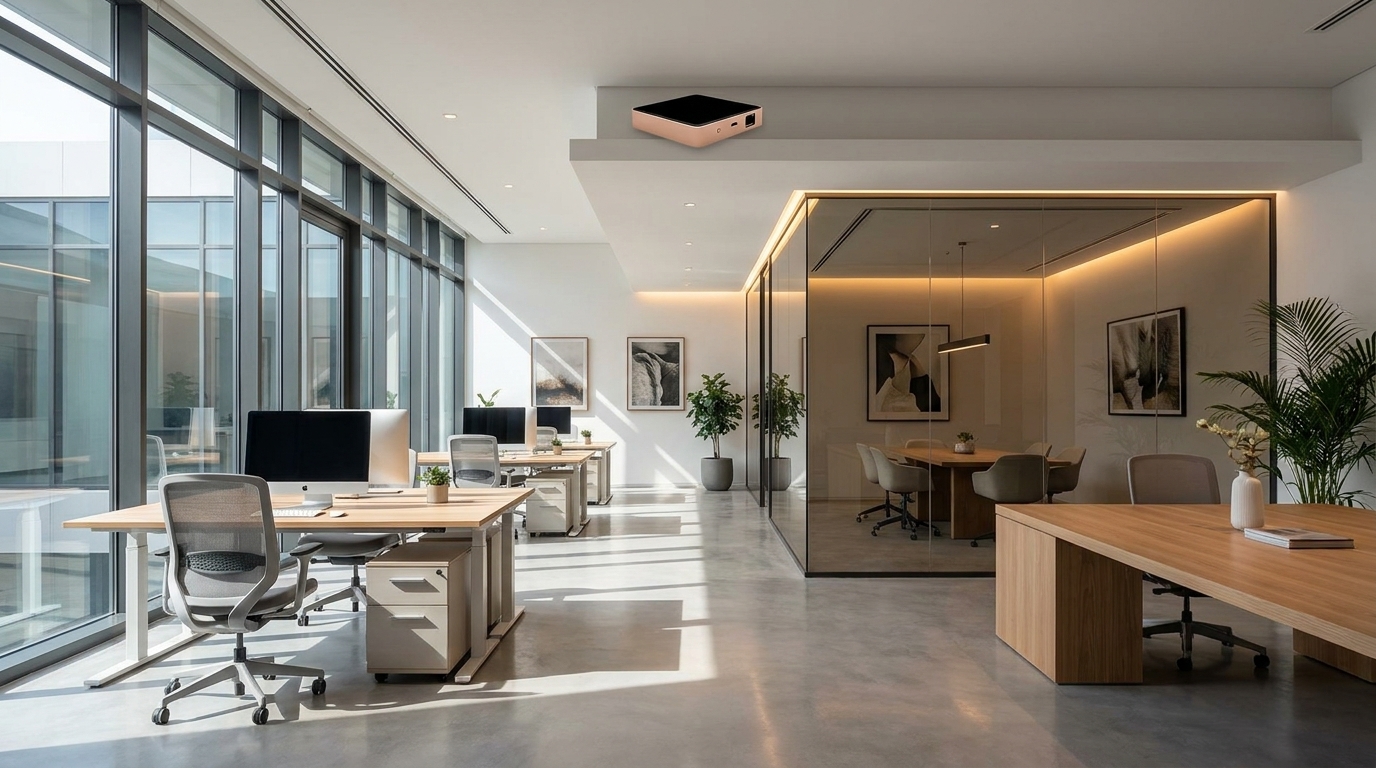
Multi-protocol hub bridging Zigbee 3.0, Wi-Fi, Bluetooth Mesh, and RS-485 devices into one seamless NORWIE ecosystem — supports up to 200 devices per unit.
Quad-core edge processing — scenes run locally even if Wi-Fi drops
Zigbee 3.0, Wi-Fi, Bluetooth Mesh, and RS-485 multi-protocol support
Full-view IPS capacitive display with anti-fingerprint glass
End-to-end AES-128 encryption with signed firmware updates
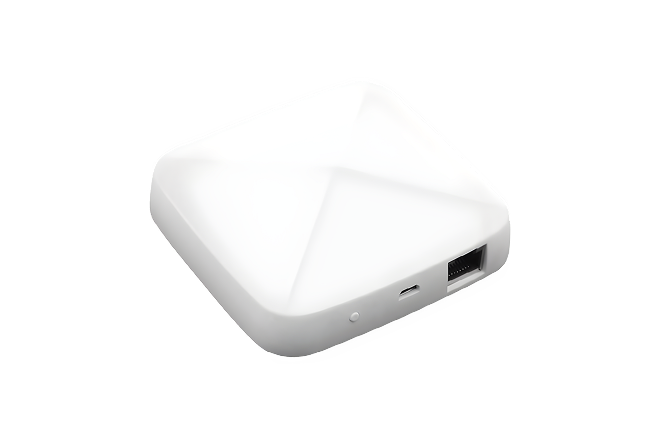
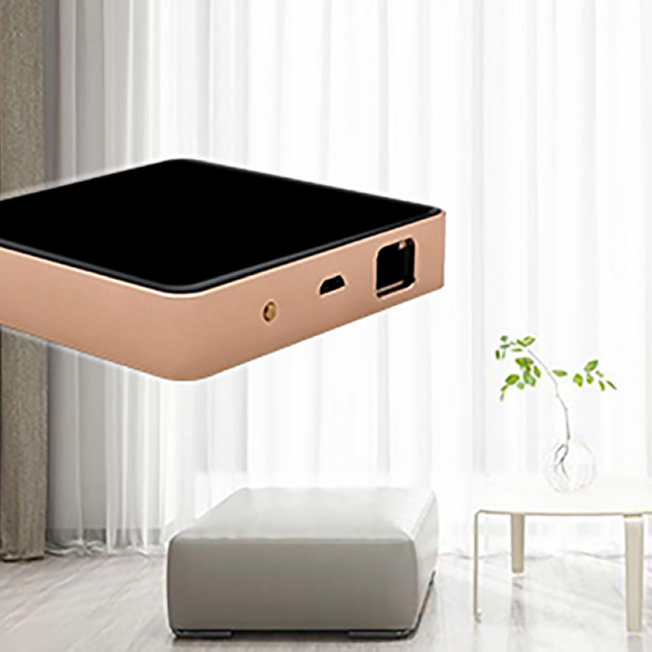
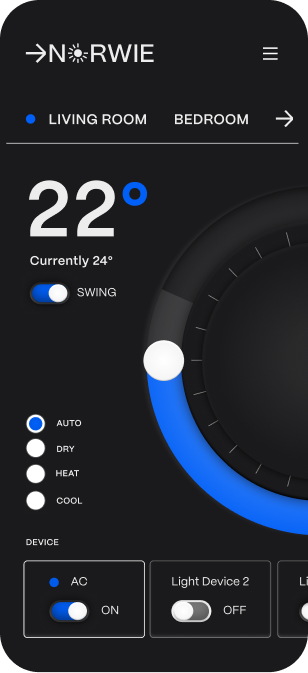
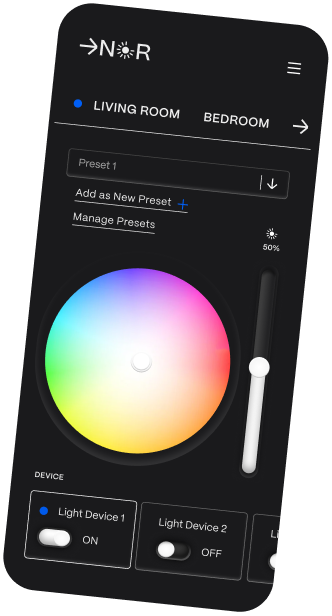
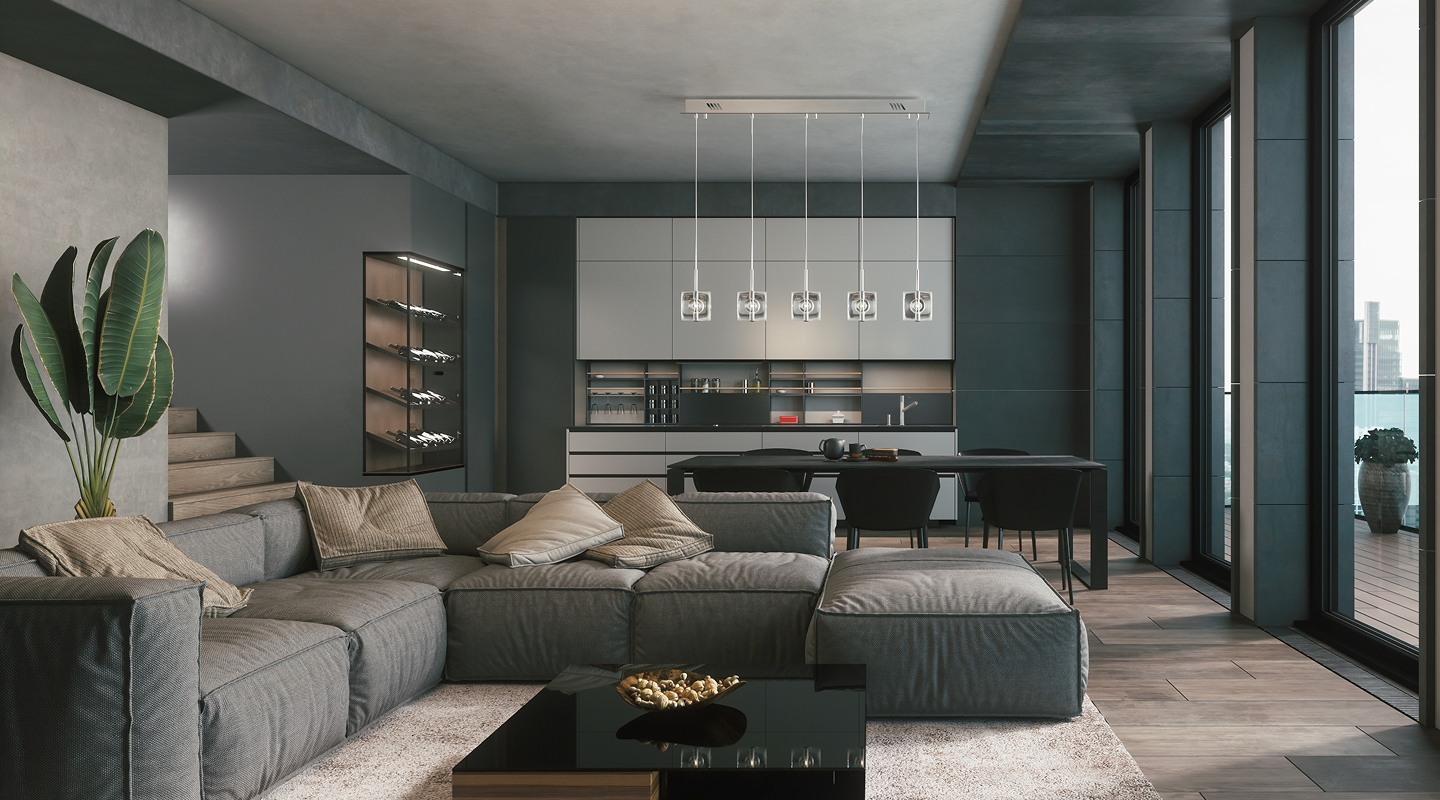
A wall-mounted touch panel replaces a drawer full of remotes — pull up climate, lighting, curtains, cameras, and intercom from any room. The matching gateway speaks every major smart-home protocol, so everything integrates into one unified system across residential and commercial developments.
Speak with our team to define the appropriate panel sizes, gateway capacity, and system configuration based on your project requirements.